
Plot over the network.
Plotter Hub turns a Raspberry Pi into a networked plot server for your AxiDraw-compatible pen plotter. Submit SVGs from your computer, then let the Pi handle the plot locally from start to finish.
Requires Raspberry Pi OS
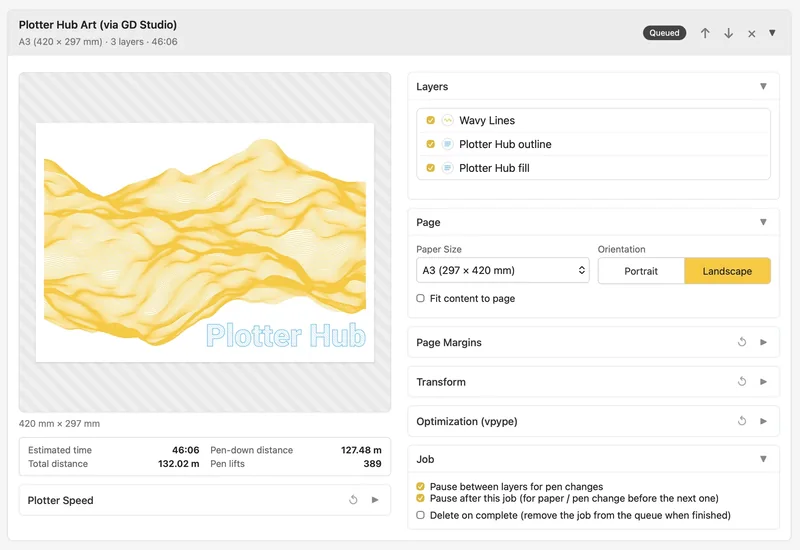
A small server for your pen plotter
Plotter Hub is for AxiDraw-class plotters that should not need a computer plugged in for every job. Connect the plotter to a Raspberry Pi once, then submit plots from any device on your local network. Drag in an Inkscape-layered SVG and Plotter Hub plots it layer by layer — or send work through its HTTP API. That API is how GD Studio, Synendo's generative drawing app for Mac, plots straight from the canvas to your pen plotter.
Features
Plotter Hub gives you the controls you need for everyday SVG plotting without turning the page into a control panel.
Drag-and-drop SVG upload
Inkscape layer selection
Pause between layers for pen changes
Paper presets, orientation, margins, and fit-to-page
Pen-up and pen-down speed controls
Optional vpype optimization
Live progress, time estimate, and pen-position preview
Pause, resume, cancel, and physical pause-button support
Runs as a background service — starts on boot
One-click in-app updates
HTTP API for companion apps and scripts
Thanks to Evil Mad Scientist. Plotter Hub is built on their wonderful open-source AxiDraw Python API (GPL-2.0), which drives the plotter under the hood. Plotter Hub itself is free and open source under the MIT License.
Requirements
You need:
Raspberry Pi Zero 2 W, 3B+, or newer
Raspberry Pi OS Bookworm or Trixie — Lite (no desktop environment) recommended
An AxiDraw-class USB plotter
A trusted local network
A Raspberry Pi Zero 2 W works well as an always-on plot server. A Raspberry Pi 3B+ gives snappier previews and setup. A Pi 4 or 5 is usually unnecessary if Plotter Hub is the only thing running. A clean install is easiest with Raspberry Pi Imager.
How it works
SSH into your Raspberry Pi, clone the repo, and run ./install.sh. It sets up a virtual environment, installs the AxiDraw API and vpype, registers Plotter Hub as a systemd service, and prints the URL to open when it is done.
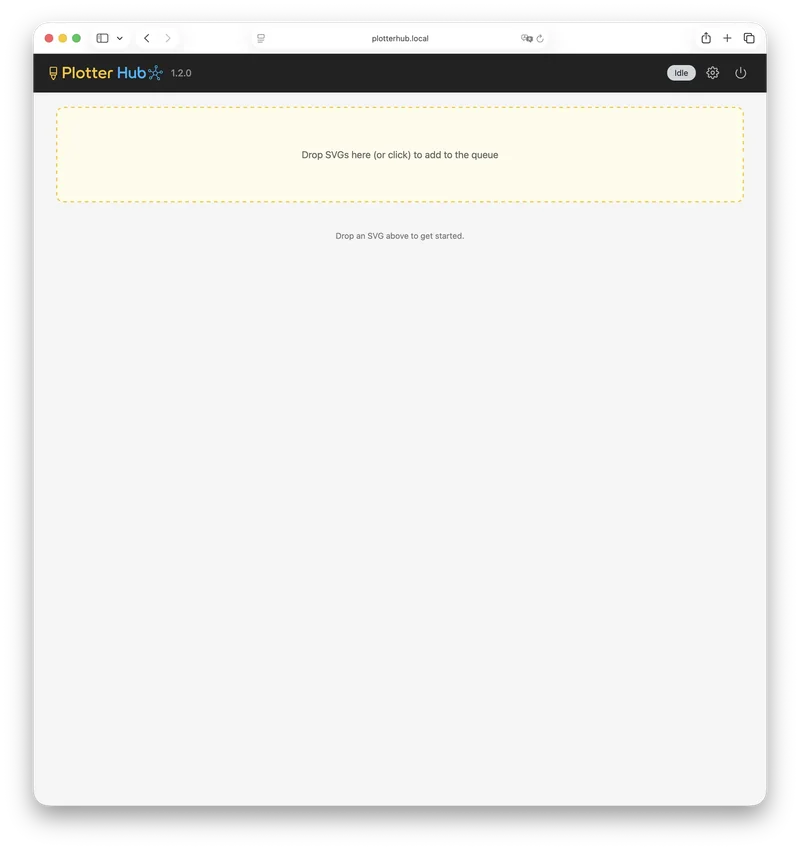
Browse to http://plotterhub.local, or your Pi’s hostname, from any device on your network. There is no login and no desktop app to install — it works like a network printer’s web page.
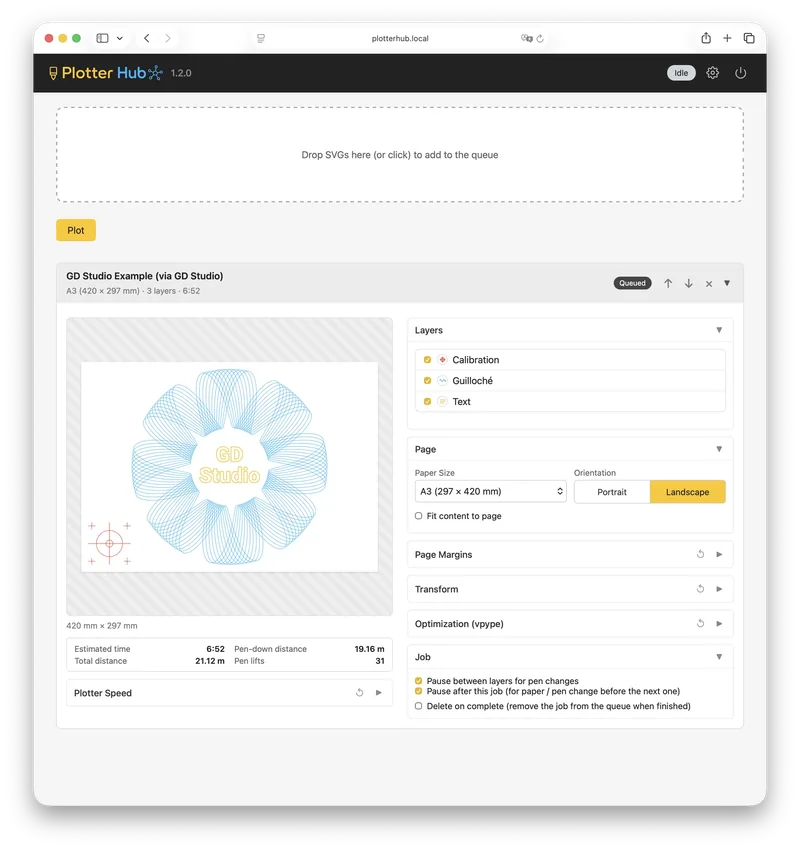
Drag and drop your SVG, select which Inkscape layers to plot, choose a paper preset and margins, and optionally enable vpype optimization. Before plotting, Plotter Hub estimates time, drawing distance, travel distance, and pen lifts.
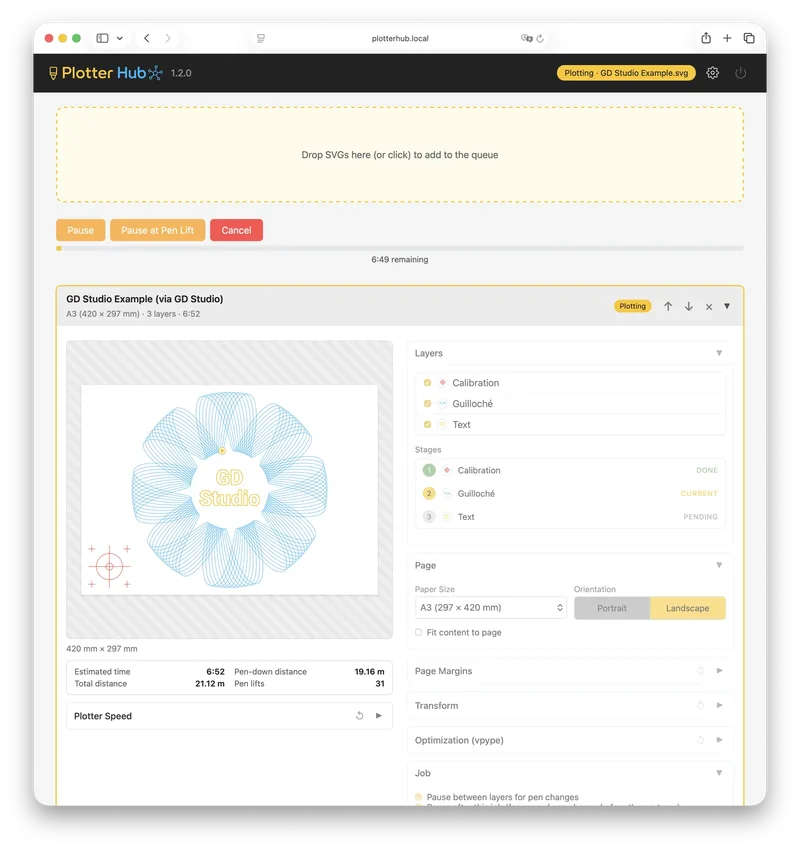
Follow the plot live in the web UI — the pen cursor and progress bar update as it draws — and pause, resume, or cancel from there. Once the job is submitted, your computer no longer needs to stay connected. And if your plotter has a physical pause button, you can use that too, for example to resume after a layer change.
Companion app
Design with GD Studio
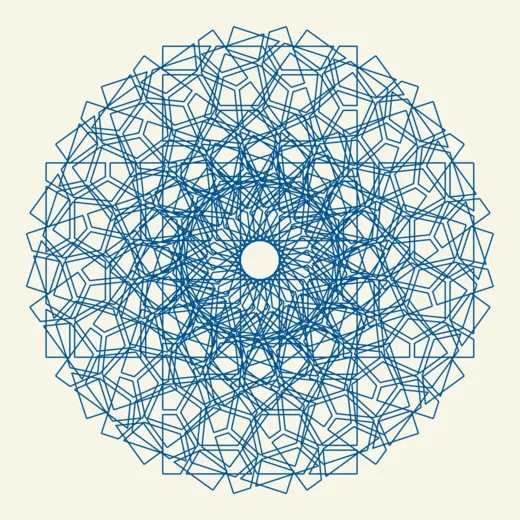
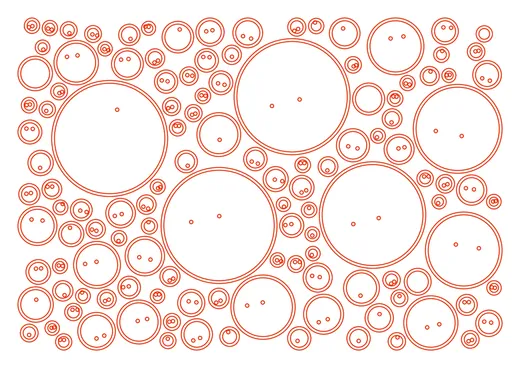
Plotter Hub gets your art onto paper. GD Studio is where you create it — Synendo's macOS app for generative pen-plotter art. Choose from 50 patterns across 8 families, shape them with live controls, and layer in text and imported SVG. Every design is built from continuous strokes, so the canvas shows exactly what the pen will draw. Best of all, GD Studio sends your work straight to Plotter Hub over your network — no exporting, no files to move.
Explore GD Studio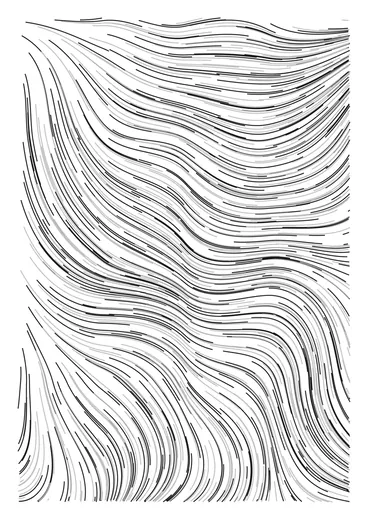



Plotter Hub FAQ
Does my computer need to stay connected while plotting?
Does my computer need to stay connected while plotting?
No. Once the SVG is submitted, the Raspberry Pi handles the plot locally.
Does it work with my plotter?
Does it work with my plotter?
Plotter Hub is built for AxiDraw-class pen plotters: machines that can be controlled through the AxiDraw Python API or a compatible AxiDraw-style command workflow. Examples include:
- AxiDraw plotters — for example, the AxiDraw V3/A4, V3/A3, SE/A4, or MiniKit.
- AxiDraw-compatible iDraw plotters — for example, the iDraw H SE A3.
- NextDraw-class plotters — for example, the NextDraw 8511 or 1117, where supported through the compatible NextDraw/AxiDraw-style workflow.
- Custom EBB-based XY plotters — for advanced users, if the machine is configured to behave like an AxiDraw-class plotter.
If your plotter supports the AxiDraw Python API or a compatible AxiDraw-style command workflow, it should work with Plotter Hub.
Do I need Inkscape, and what SVGs work?
Do I need Inkscape, and what SVGs work?
Any plottable SVG works — line and stroke artwork that a pen plotter can physically draw. Inkscape isn't required either; it only matters for layer separation: if your file has Inkscape layers, Plotter Hub detects them so you can choose which ones to plot and pause between them for pen changes. Without layers, it simply plots the whole drawing.
Can I change pens between layers?
Can I change pens between layers?
Yes. Plotter Hub can pause between layers, so you can change pens and continue the plot.
Can I pause a plot physically?
Can I pause a plot physically?
Yes, on supported plotters. The physical pause button can pause and resume a plot, and continue to the next layer during a pen-change pause.
Can I use it from another computer?
Can I use it from another computer?
Yes. Any device on the same local network can open the Plotter Hub web interface and submit SVGs.
Does Plotter Hub have a login?
Does Plotter Hub have a login?
No. Plotter Hub is designed for a trusted local network, like a network printer’s web page. Do not expose it directly to the internet. For remote access, use a VPN such as Tailscale or WireGuard.
How do I update Plotter Hub?
How do I update Plotter Hub?
When a newer version is published, a banner offers a one-click update right in the web UI — Plotter Hub pulls the latest version, reruns the installer, and comes back online on its own. You can also update over SSH with a git pull and rerunning ./install.sh. Updates are blocked while a plot is running, and your settings, job queue, and uploads are always kept.
Does a plot survive a reboot or restart?
Does a plot survive a reboot or restart?
Yes. Plotter Hub runs as a service and starts again on boot, and the job queue is saved to disk — so a paused plot is restored as a resumable job after a restart. Stopping the service mid-plot also raises the pen first.
Is there an API?
Is there an API?
Yes. Plotter Hub includes an HTTP API for companion apps and scripts, secured with an auto-generated API key. See the API documentation for the endpoint reference.
Is it free?
Is it free?
Yes. Plotter Hub is free and open source (MIT License).