

Every shoot tagged. No manual work.
VisionTagger uses on-device AI to generate keywords, captions, and XMP sidecars for your entire shoot — ready for Lightroom, Capture One, or Photo Mechanic. No uploads, no per-image fees.
Requires Apple Silicon Mac with macOS 26
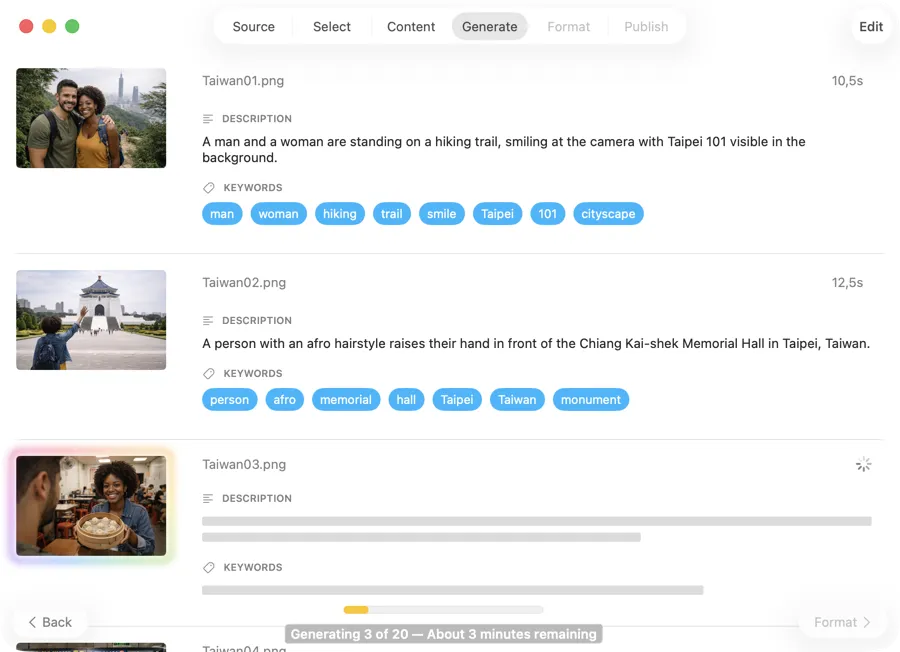
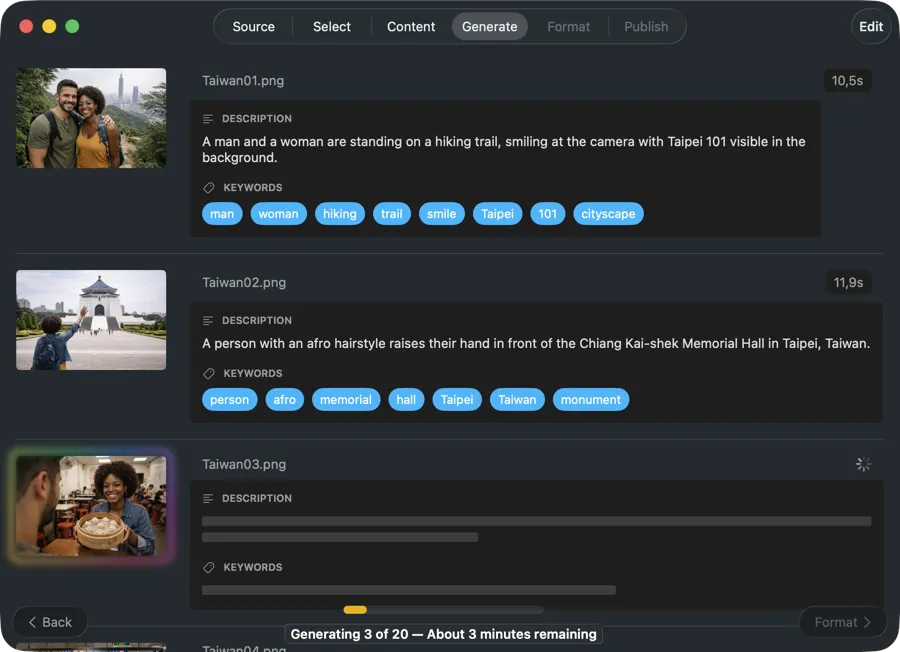
Shoots pile up. Finding photos later shouldn’t be the hard part.
After every shoot, you’re left with hundreds or thousands of files. Weeks later, you’re scrolling through folders trying to find one image. Manual keywording takes hours and the results are inconsistent. Cloud taggers mean uploading client work to someone else’s servers — and paying per image, every time.
Let AI tag your photos while you move on to the next shoot
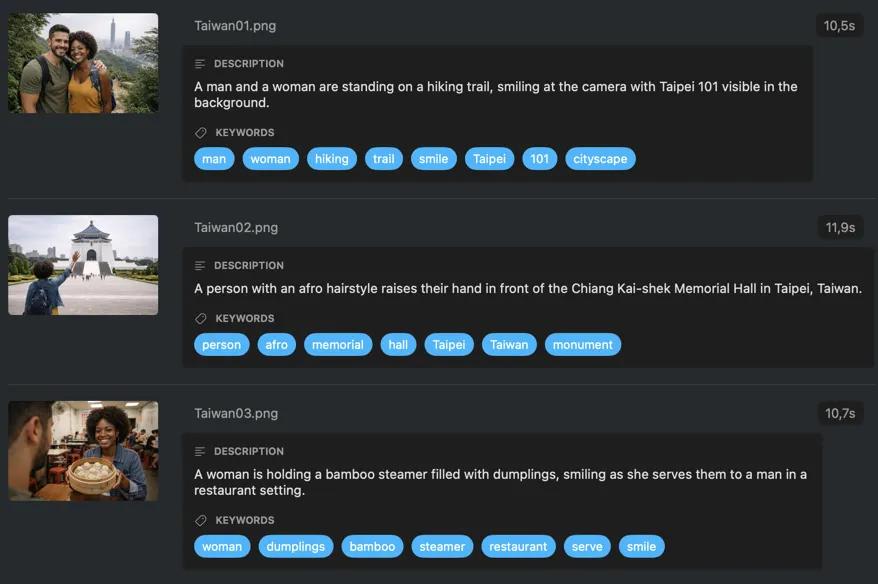
VisionTagger analyzes your images locally and generates keywords, captions, and structured metadata in one batch. Write XMP sidecars straight into your catalog workflow, apply Finder tags for quick search, or write back to Photos — without uploading a single file or paying per image.
Process an entire shoot in one go
Drop a folder of exports — JPEG, PNG, RAW, or other common formats — or select images from Photos. VisionTagger generates metadata for every image in one run, so you’re not opening and tagging files one by one.
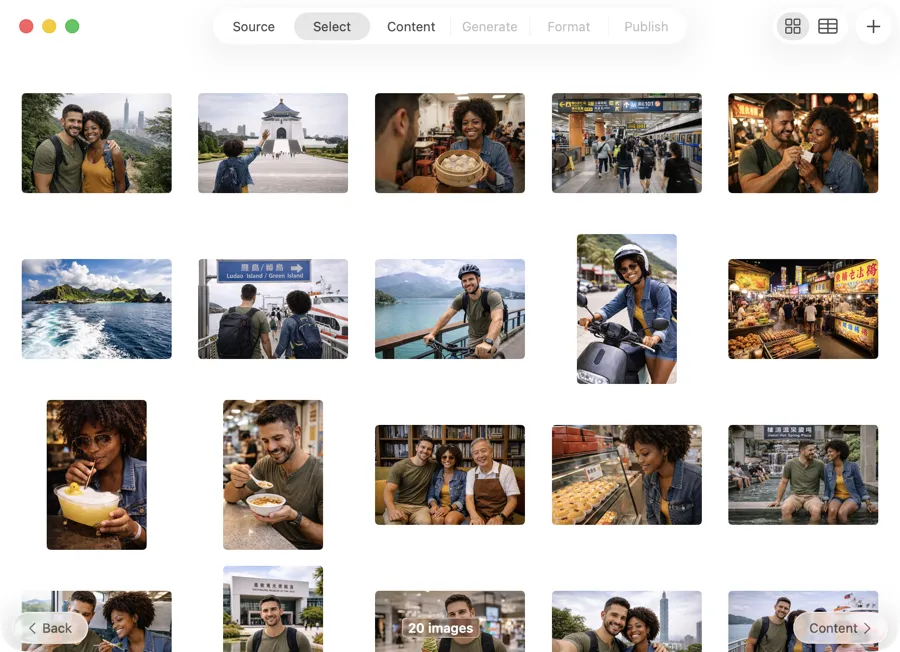
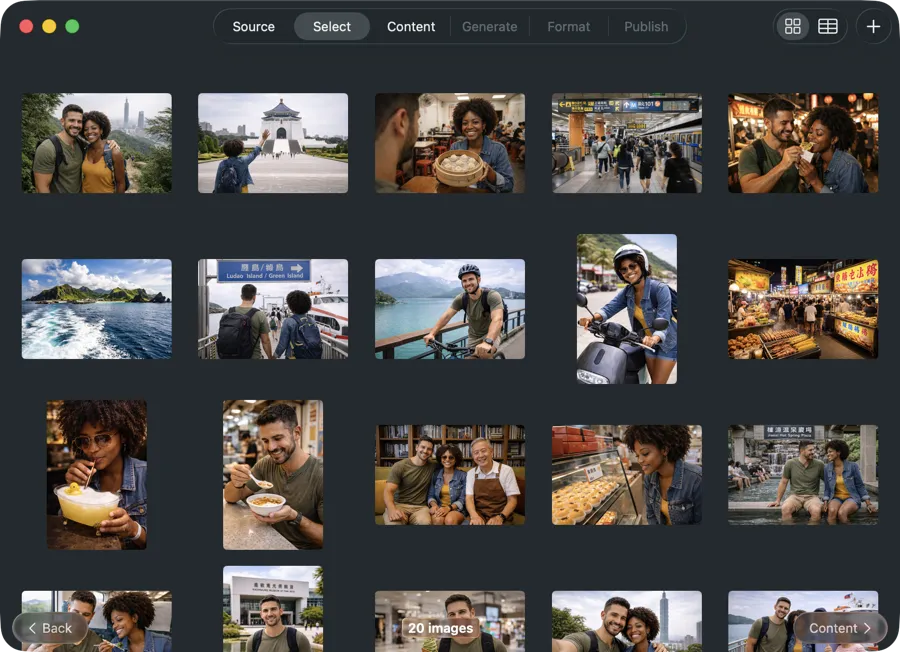
Get metadata that matches your workflow
Go beyond generic keywords. Define fields like subject, location, mood, lighting, composition, or color palette. Save schemas as presets and reuse them across shoots for consistent, searchable results every time.
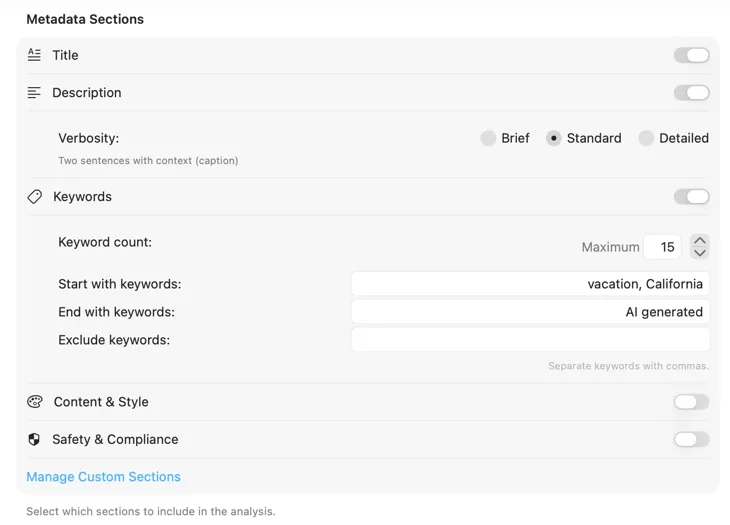
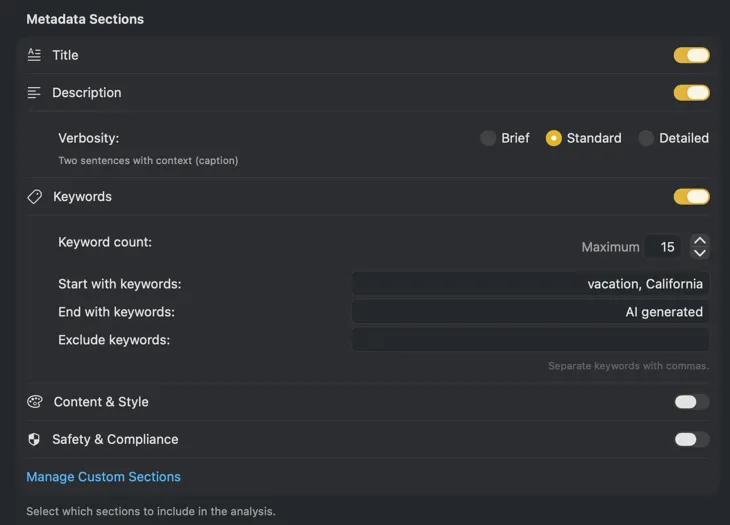
Metadata goes straight into your catalog
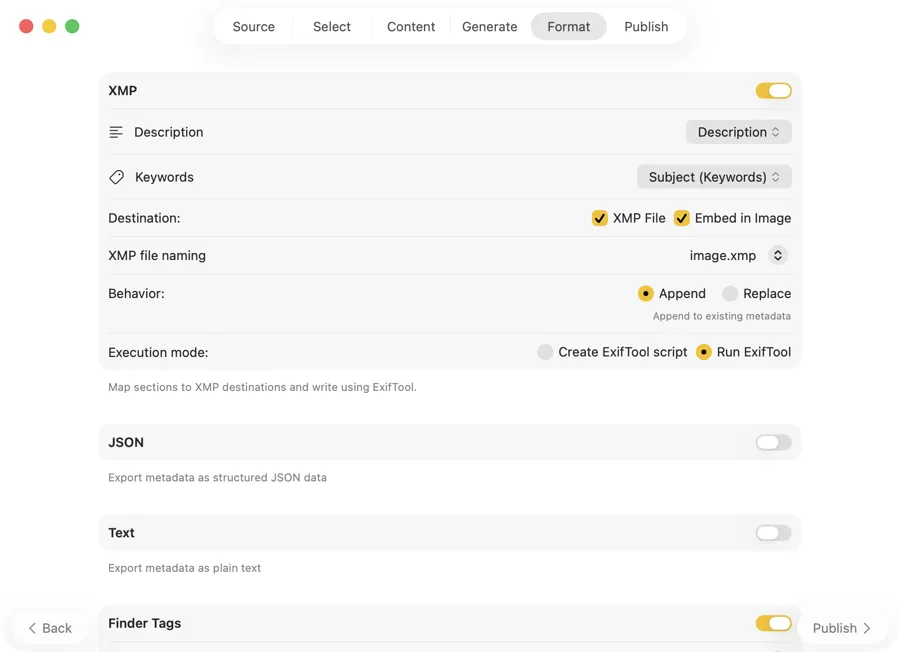
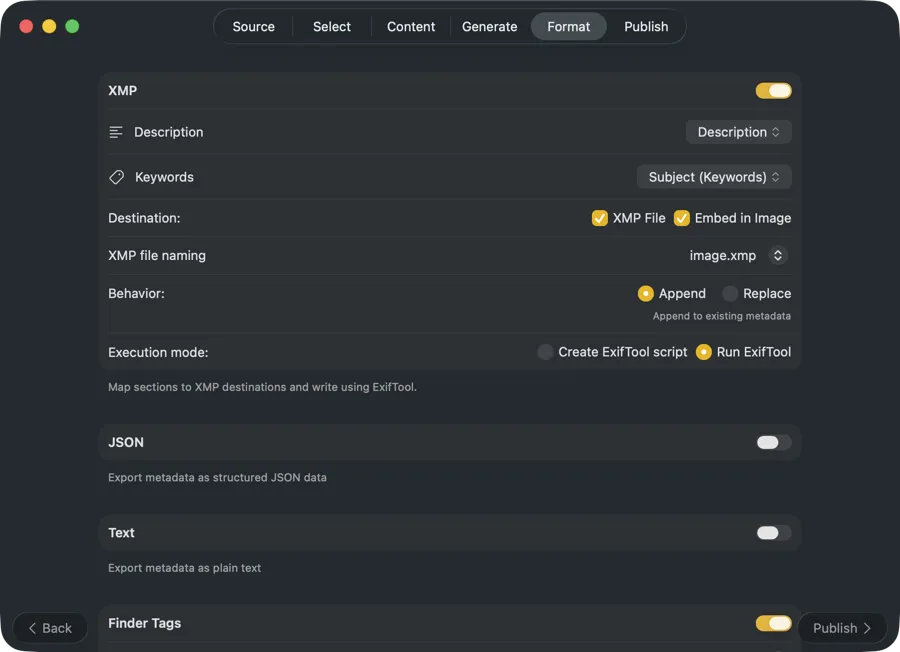
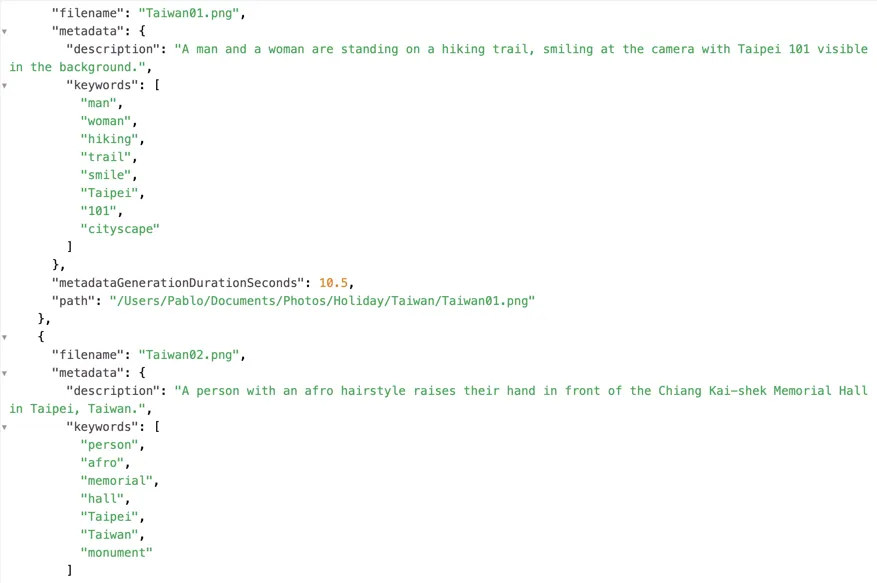
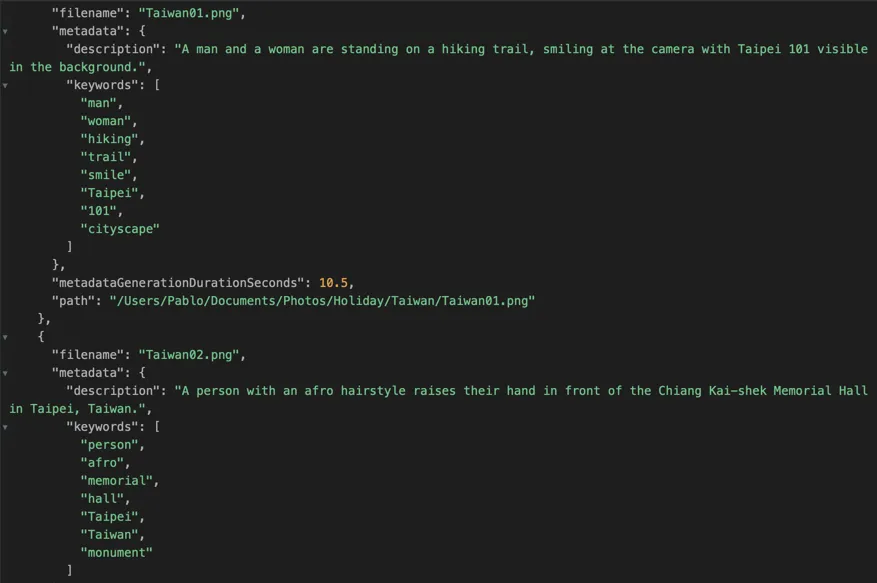
Write XMP sidecar files that show up in Lightroom, Capture One, Photo Mechanic, and Bridge. Export JSON, CSV, or TXT for archive pipelines or portfolio tooling. Apply Finder tags for instant Spotlight search — all from a single run.
Examples

One-Time Purchase
VAT included (except US & CA)
Secure payment via FastSpring