

Alt text for every image. Automatically.
VisionTagger generates accurate, consistent alt text for hundreds of website images on your Mac — improving accessibility and SEO without uploading to third-party services. No per-image fees.
Requires Apple Silicon Mac with macOS 26
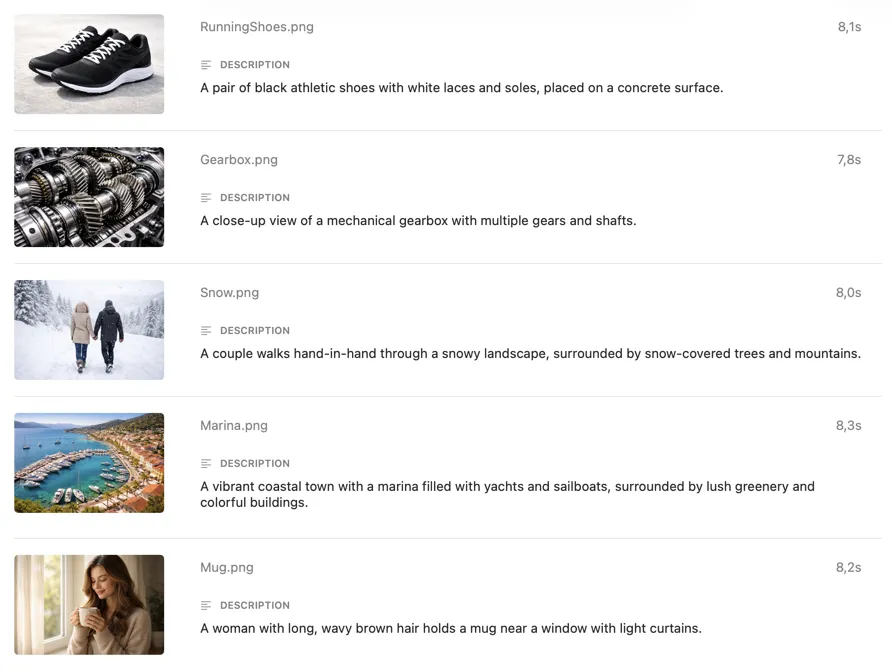
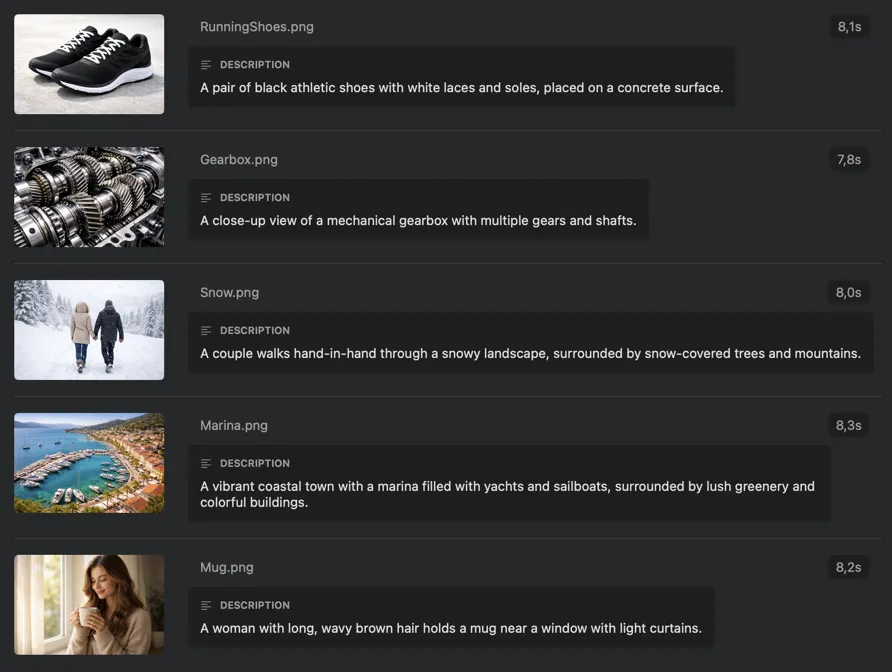
Your site needs alt text. Writing it by hand doesn’t scale.
Accessibility standards require descriptive alt text for meaningful images, and good alt text boosts SEO too. But writing it manually for hundreds of images is slow, inconsistent, and the first thing that slips when deadlines are tight. Cloud generators help — but they mean uploading your images to third-party servers and paying per image.
Alt text for your entire site — generated privately on your Mac
VisionTagger runs AI models locally to describe your images automatically. Process hundreds of images in one batch, review and tweak as results stream in, and export structured alt text for your build pipeline — no uploads, no subscriptions, no per-image fees.
Alt text for hundreds of images in one batch
Drop a folder of website images into VisionTagger — or select images from your Photos Library. Generate alt text for the entire batch in a single run, instead of writing descriptions one image at a time.
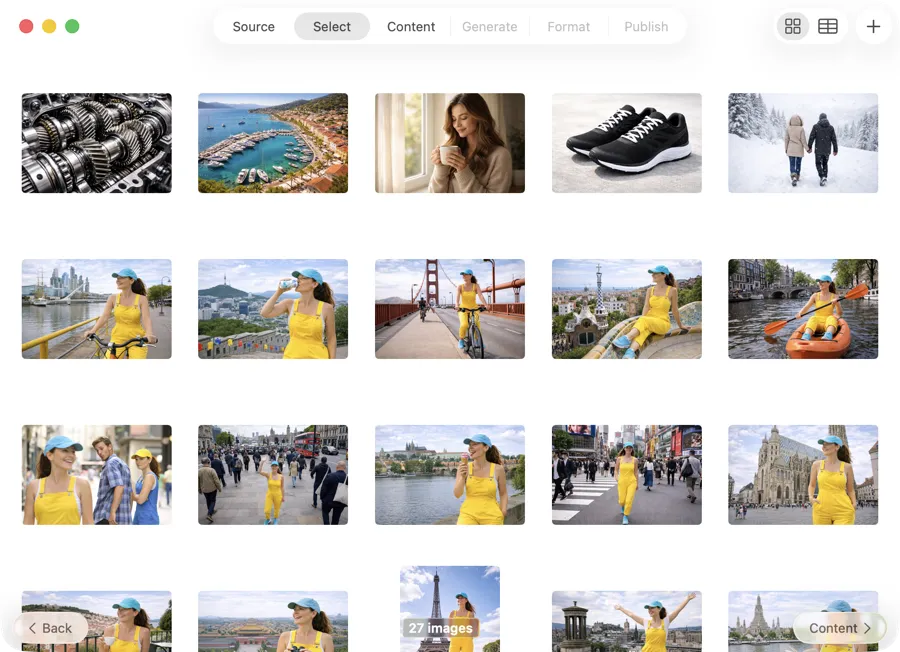
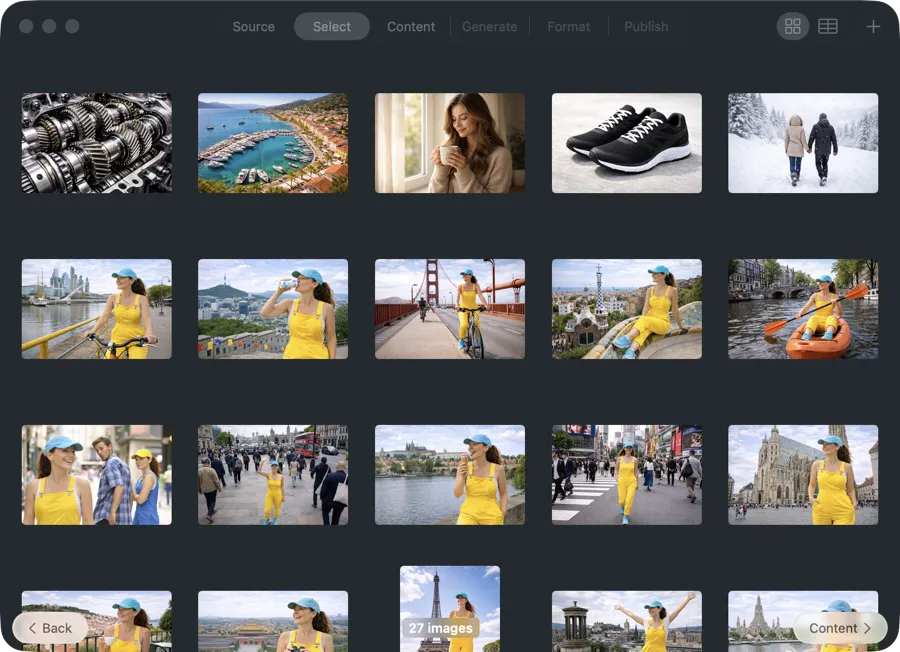
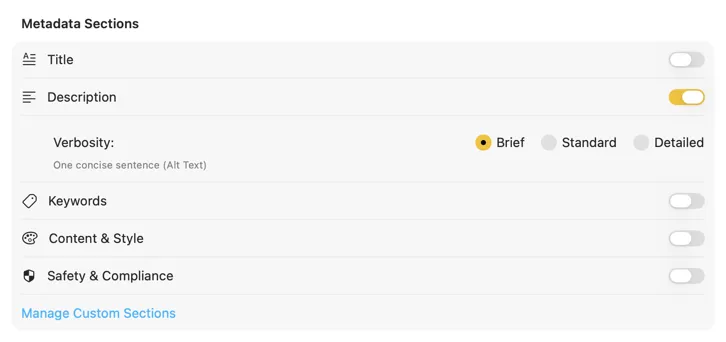
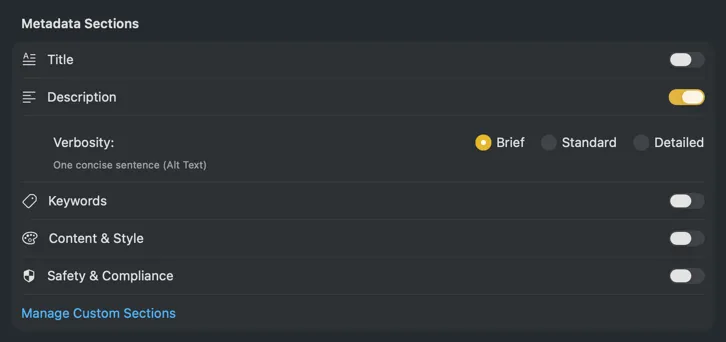
Consistent tone and length across every image
Start with built-in styles (brief, standard, detailed) or define your own rules — length, tone, what to include or avoid. Apply the same style across hundreds of images for alt text that reads like one person wrote it.
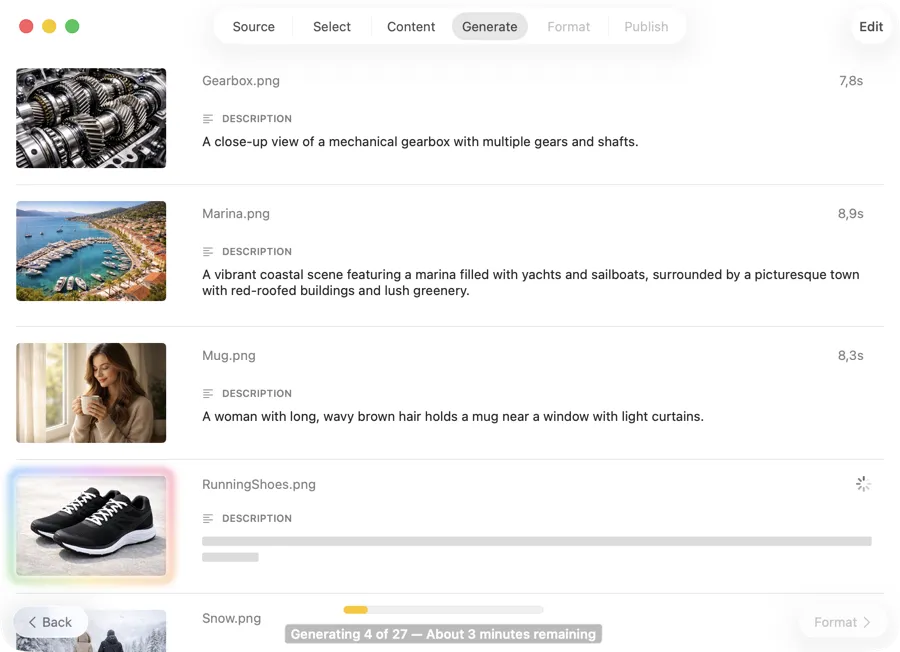
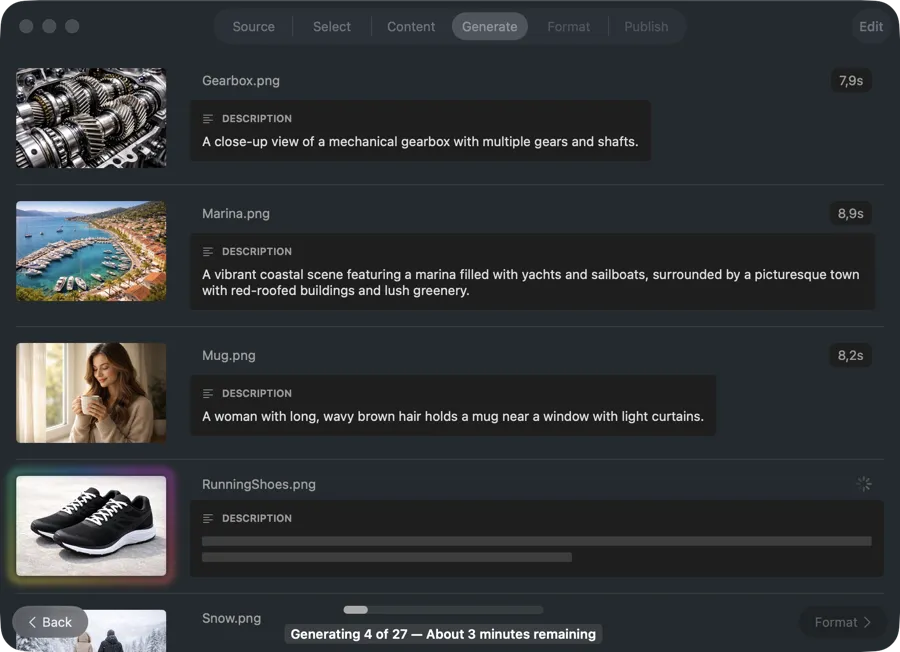
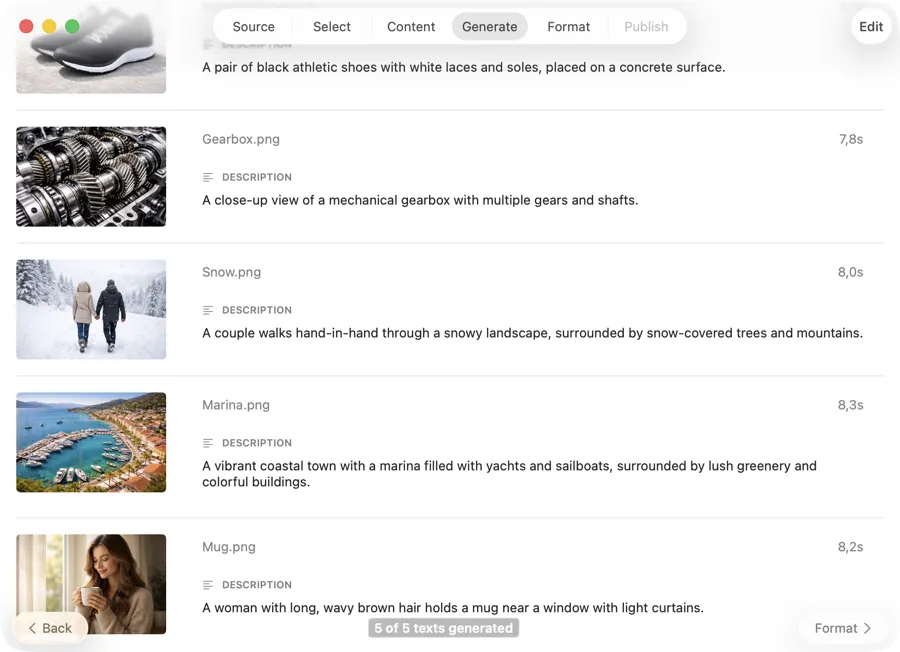
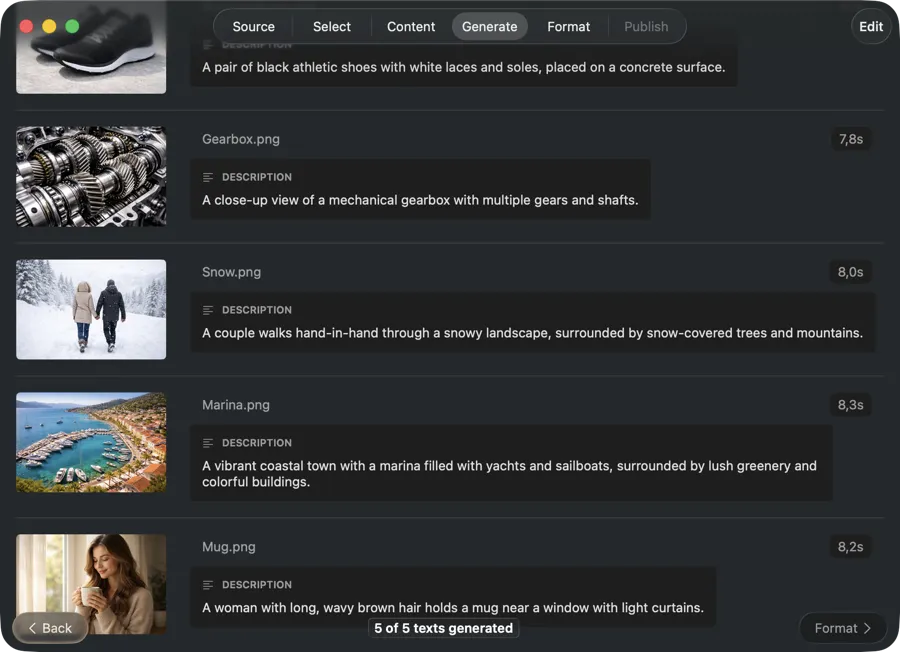
Review and edit as results come in
Alt text appears as each image completes, so you can spot-check, edit, and iterate without waiting for the full batch to finish.
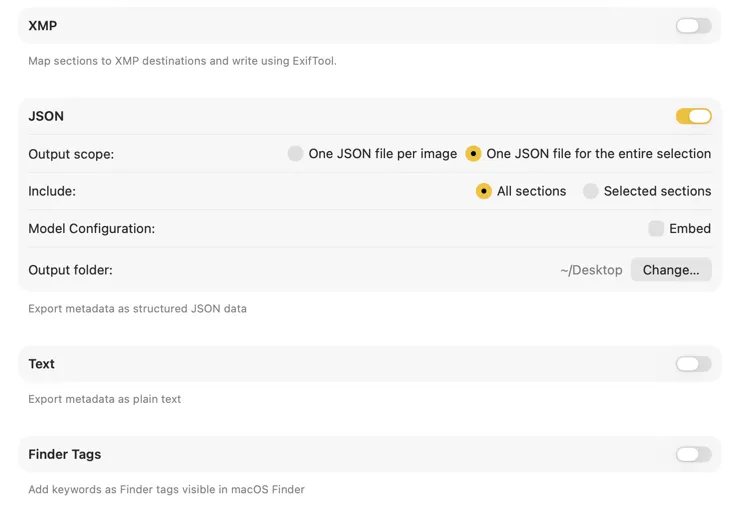
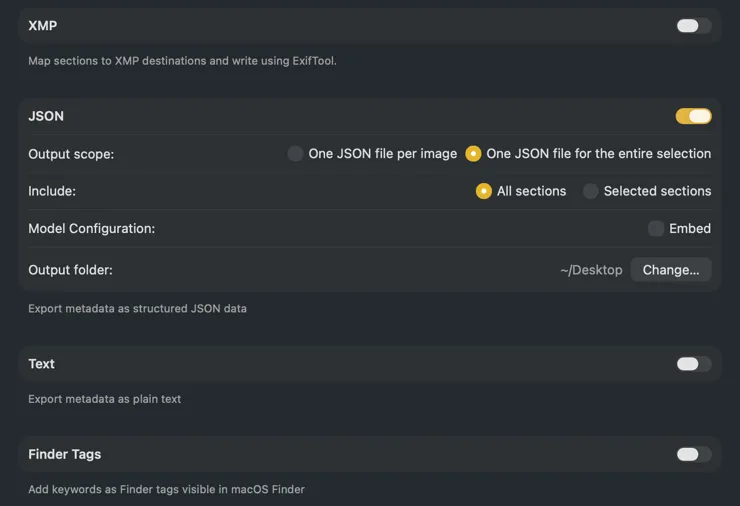
Ready for your build pipeline
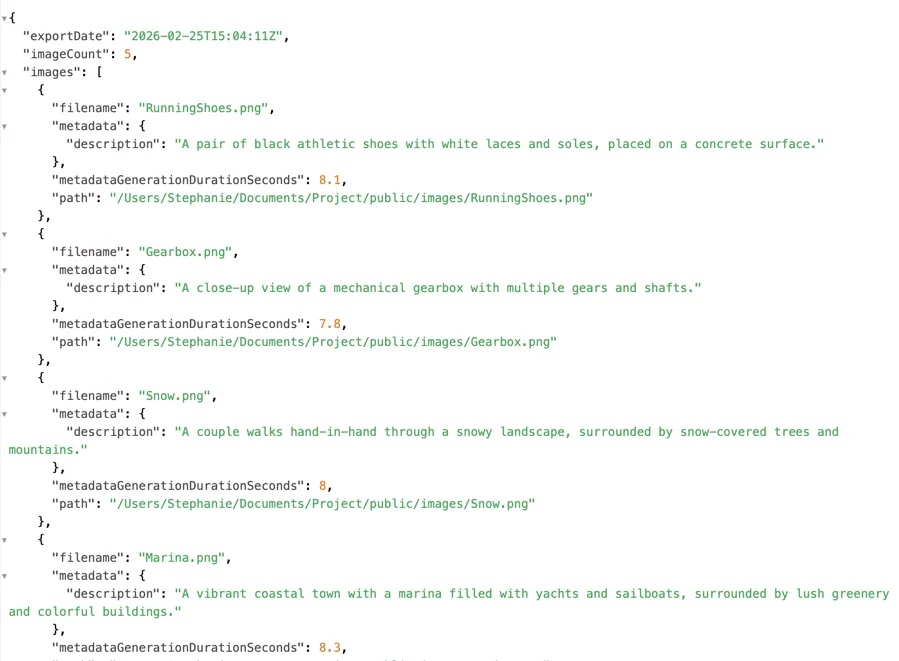
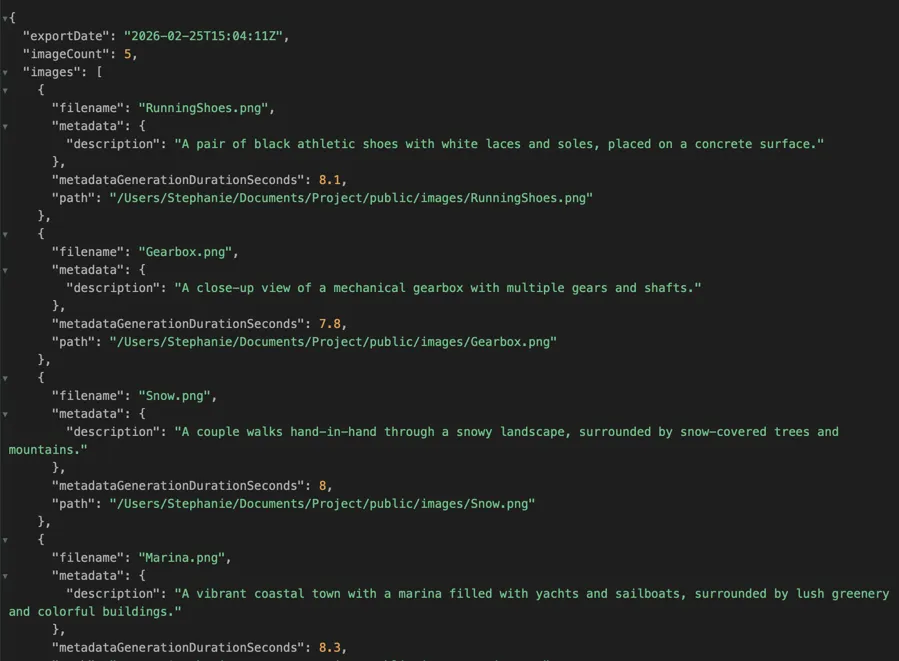
Export a single JSON file that maps each image path to its generated alt text — ready to wire into your build step, CMS import, or component library. Or export CSV for spreadsheet-based workflows.
Examples
One-Time Purchase
VAT included (except US & CA)
Secure payment via FastSpring